Welcome to Micron.com, please Log in or Register an account to continue.





- US - English
- China - 简体中文
- India - English
- Japan - 日本語
- Malaysia - English
- Singapore - English
- Taiwan – 繁體中文

SSD management made easy
Micron’s Storage Executive software offers an easy interface to analyze and manage our drives. Also available via a command line interface.
Features

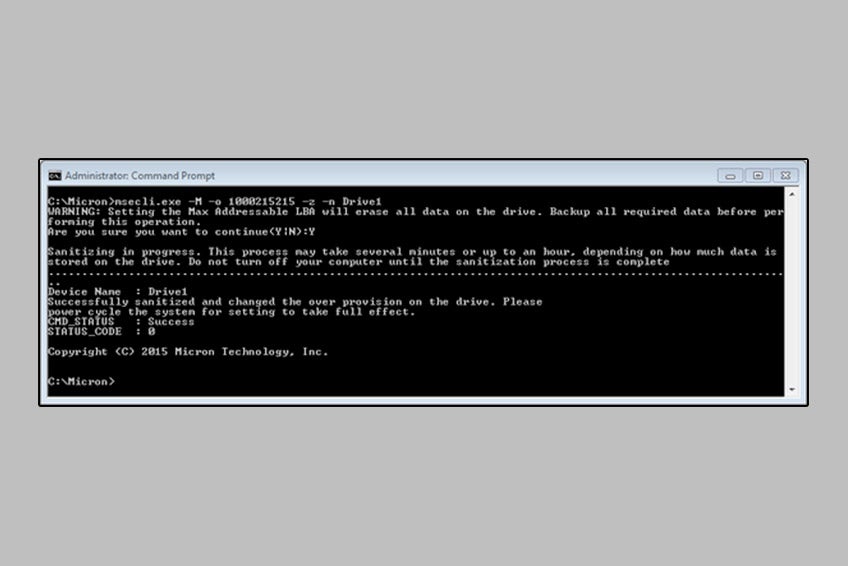
Storage Executive software downloads
Command line interface downloads
Supported products
- 3500 SSD with NVMe™
- 3400 SSD with NVMe™
- 2300 SSD with NVMe™
- 2210 SSD with NVMe™
- 2100 AI/ATSSD
- 5400 SATA SSD
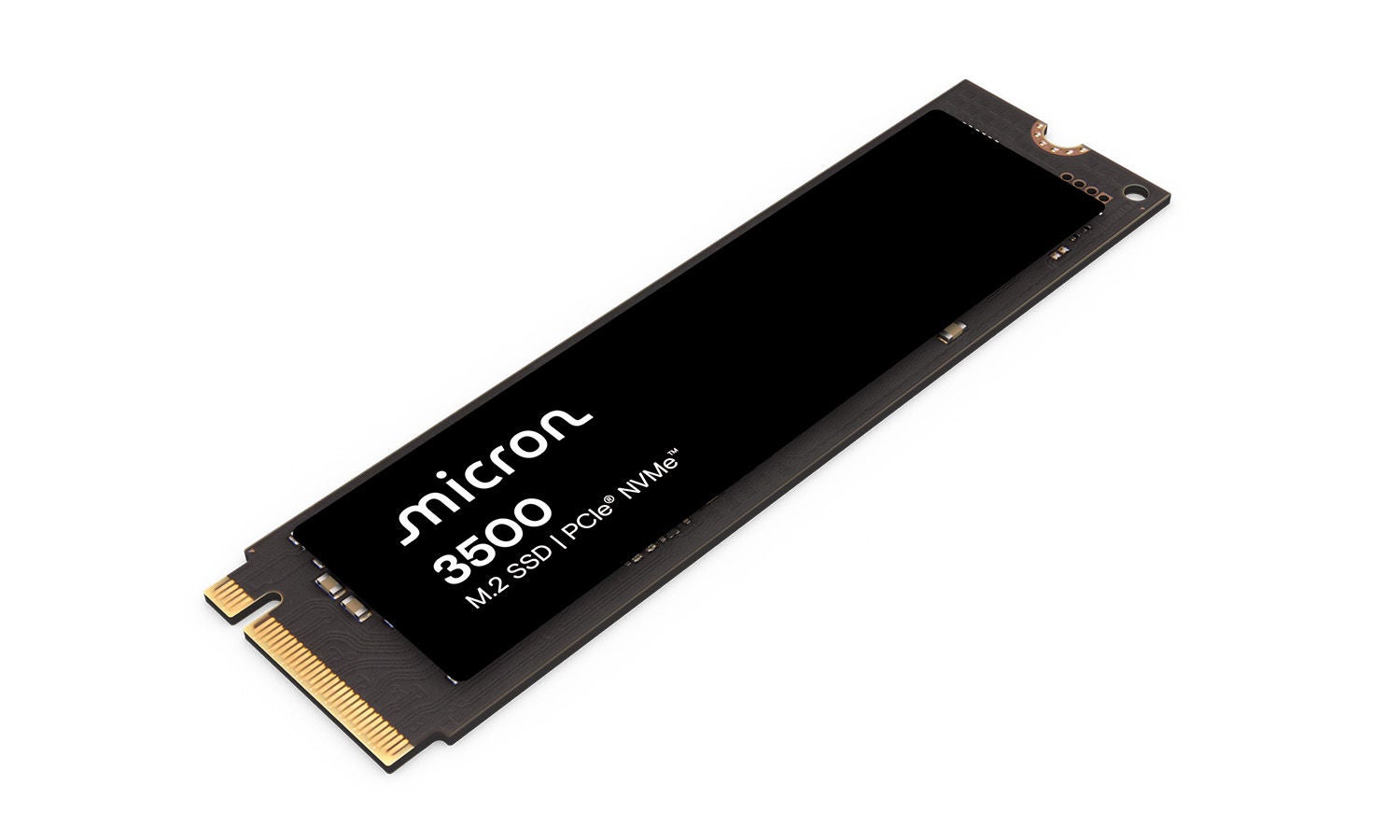
The Micron 3500 SSD user experience leads the competition and allows professional and scientific users to discover new insights in an instant with the best SPECwpc℠ benchmark scores among competitive SSDs.
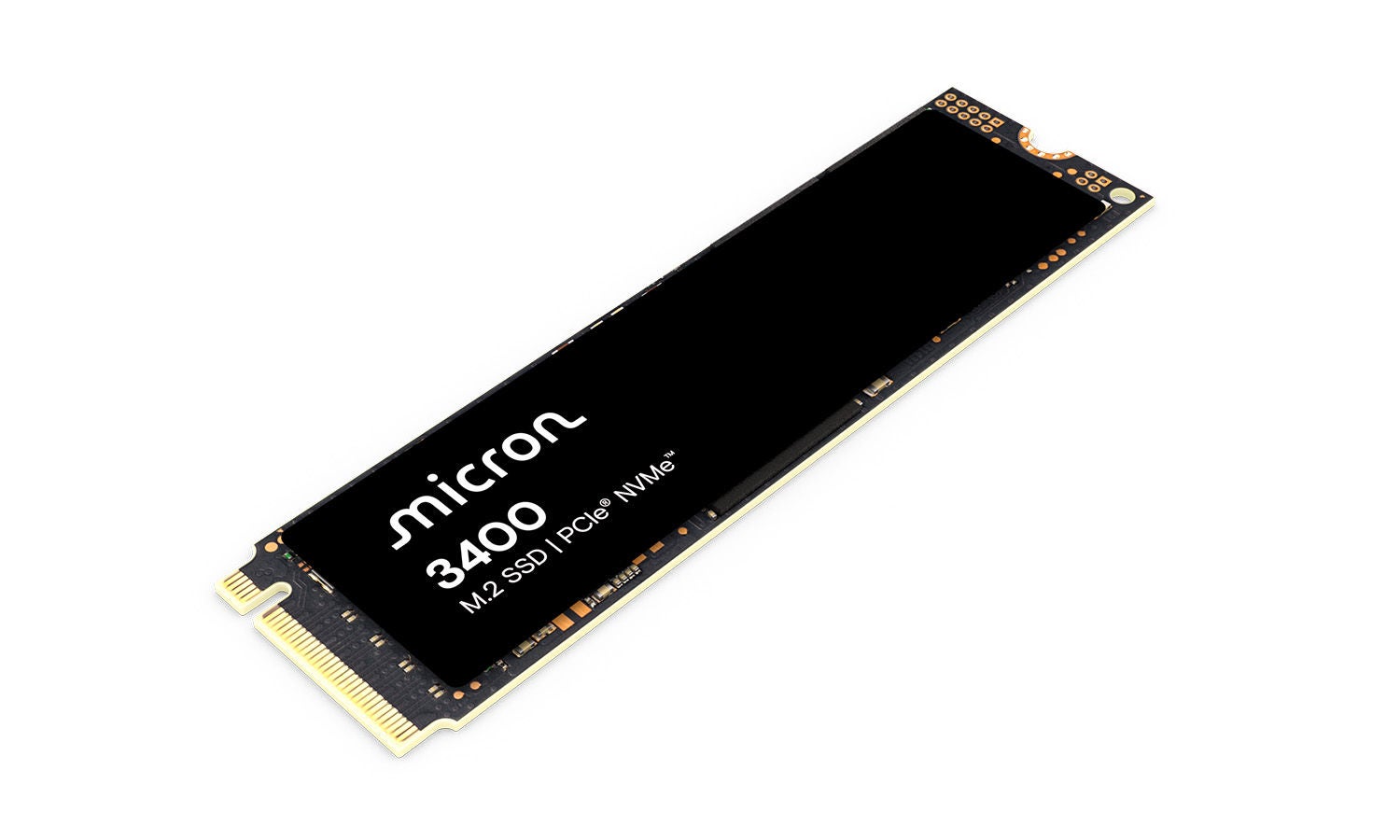
The Micron 3400 SSD with NVMe™ combines the performance of industry-leading 176-layer NAND and PCIe Gen4. The 3400 has the capacity to manage the most demanding workstation, gaming and corporate PC applications – yet it consumes minimal power..
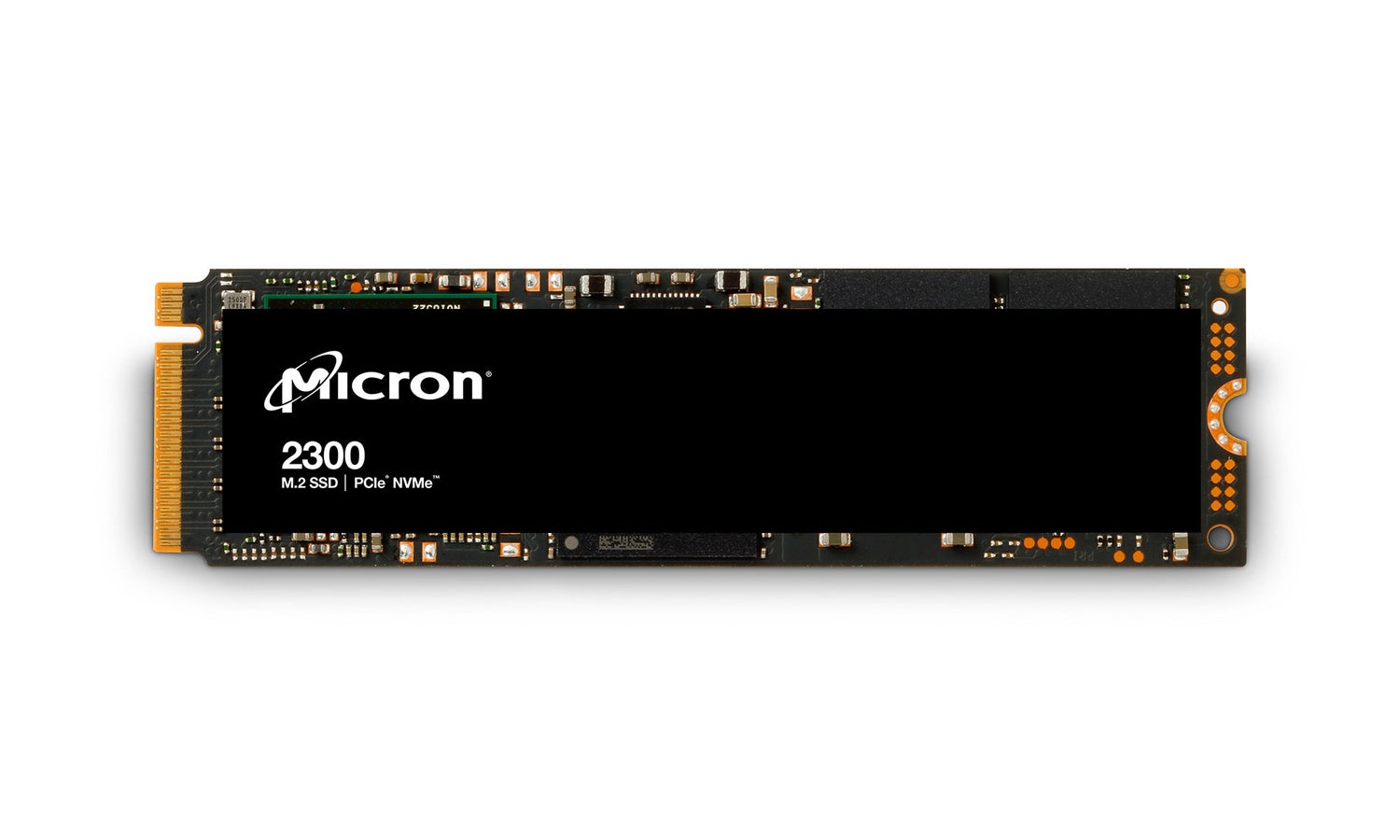
The Micron 2300 SSD with NVMe™ combines the power and density needed to drive workstation applications with the compact form factor and power-sipping features demanded by modern mobile users.
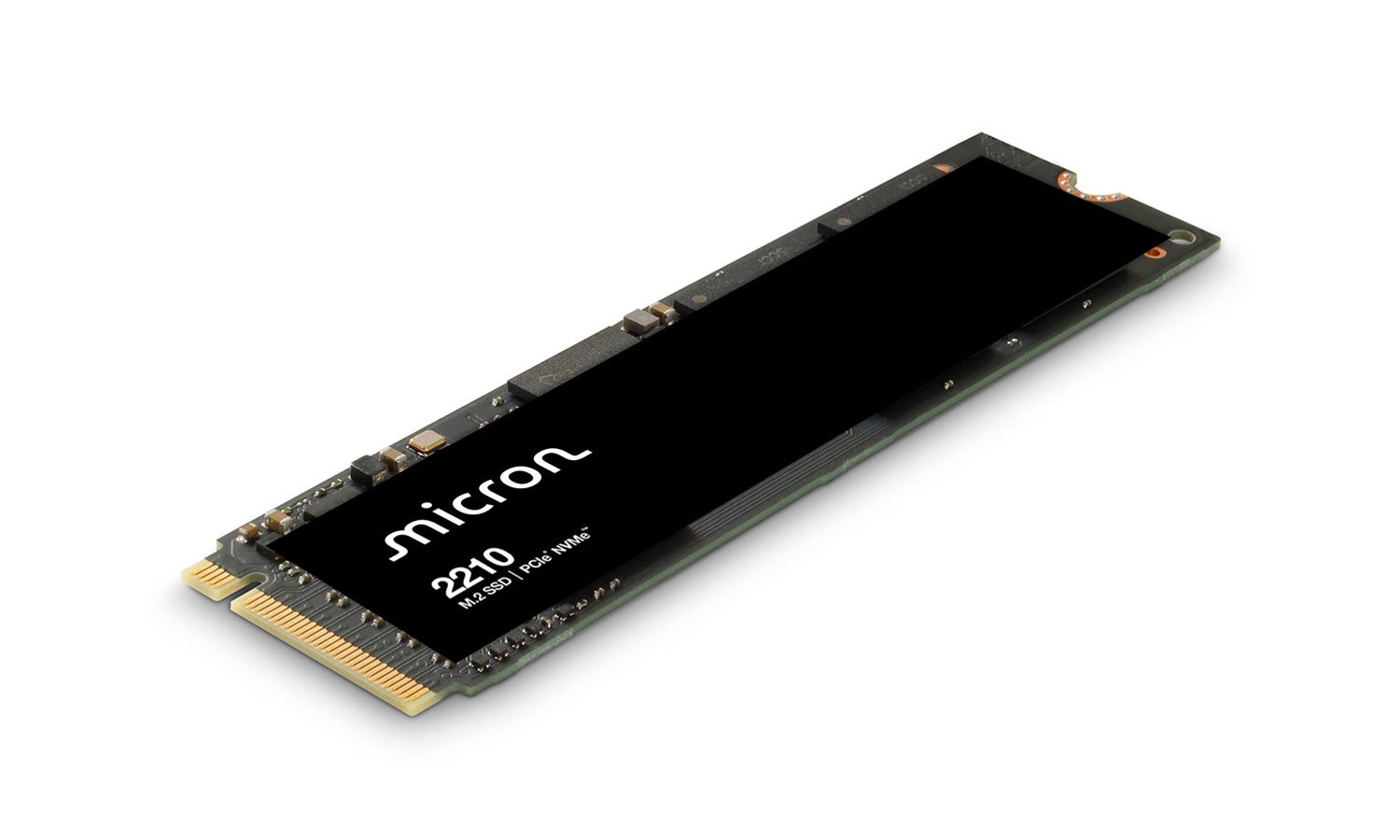
The Micron 2210 QLC SSD with NVMe™ bridges the gap between the low cost of HDDs and the performance, reliability, low power and security of SSDs.
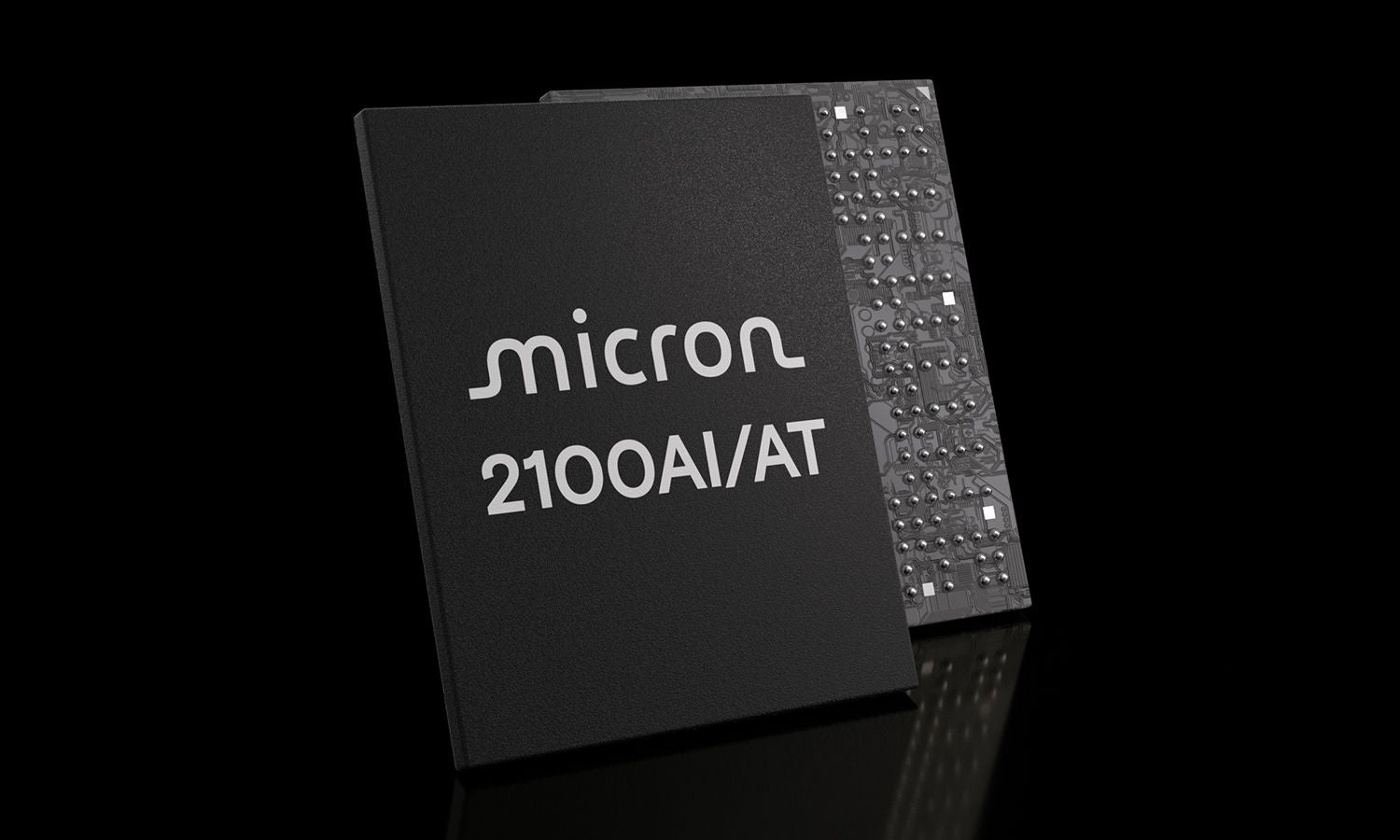
SSDs are revolutionizing IIoT. Micron’s industrial SSDs deliver optimal performance, high capacities, increased reliability and industrial temperature options in small form factors.
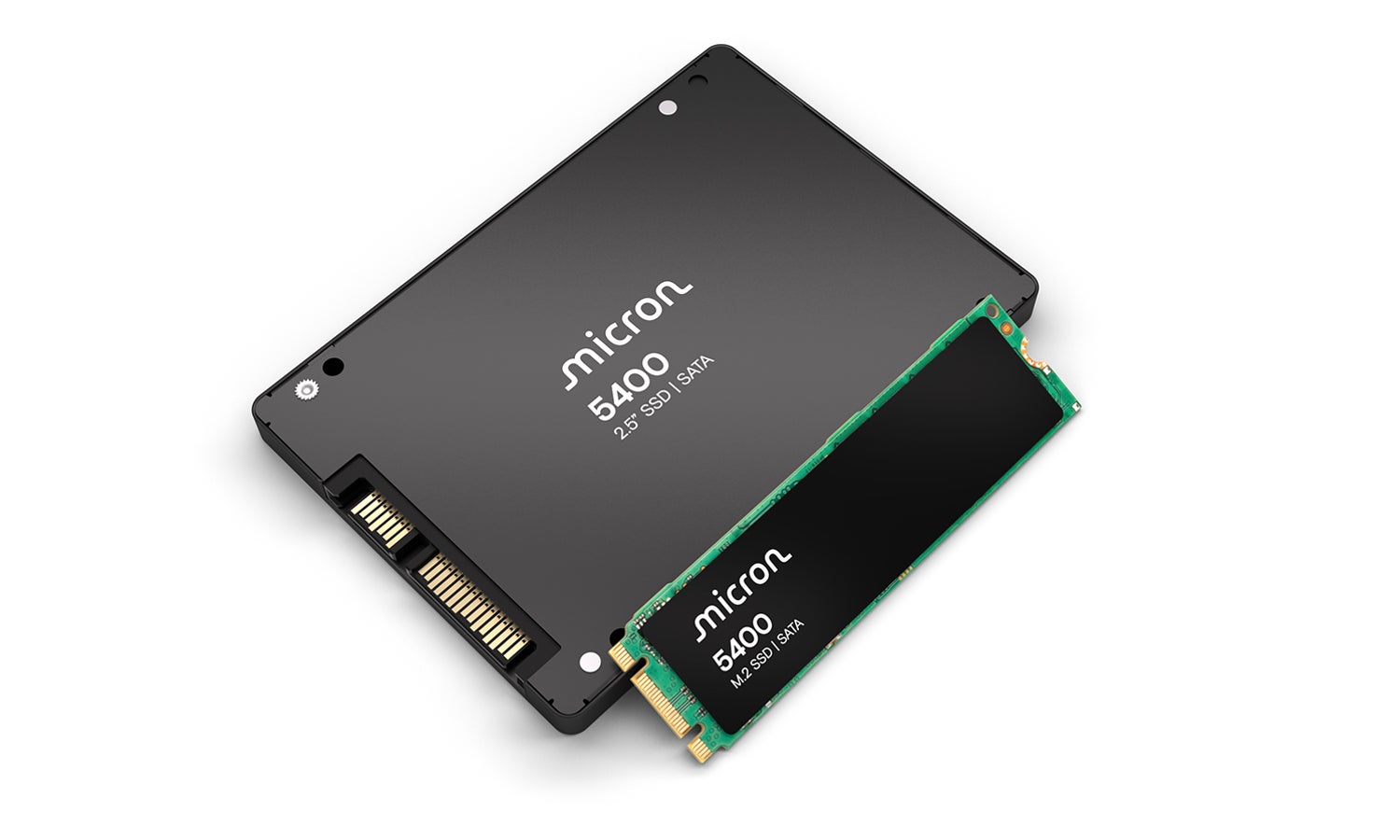
The Micron 5400 is the industry’s most advanced SATA SSD, with a proven architecture to meet diverse storage needs.